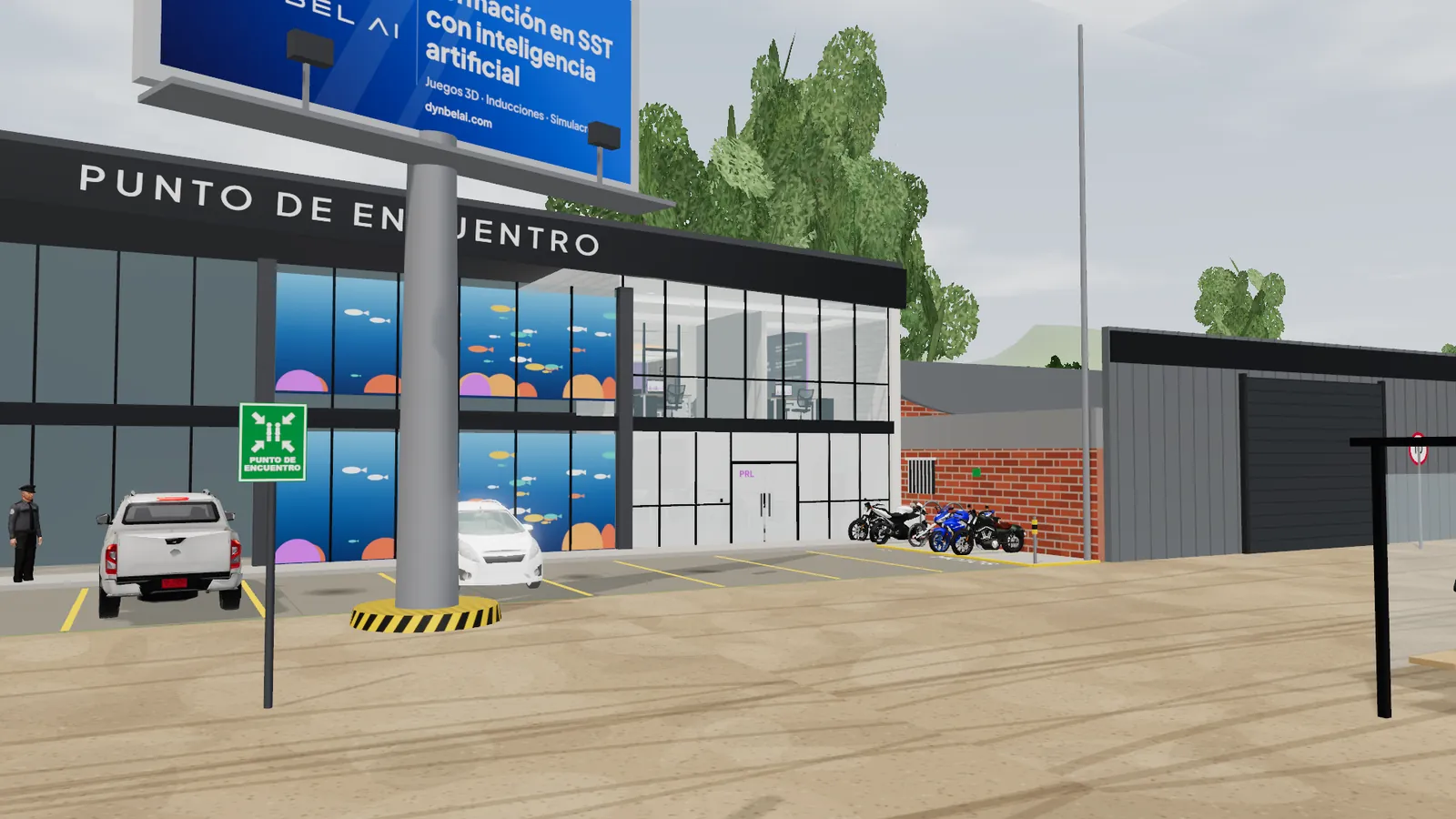
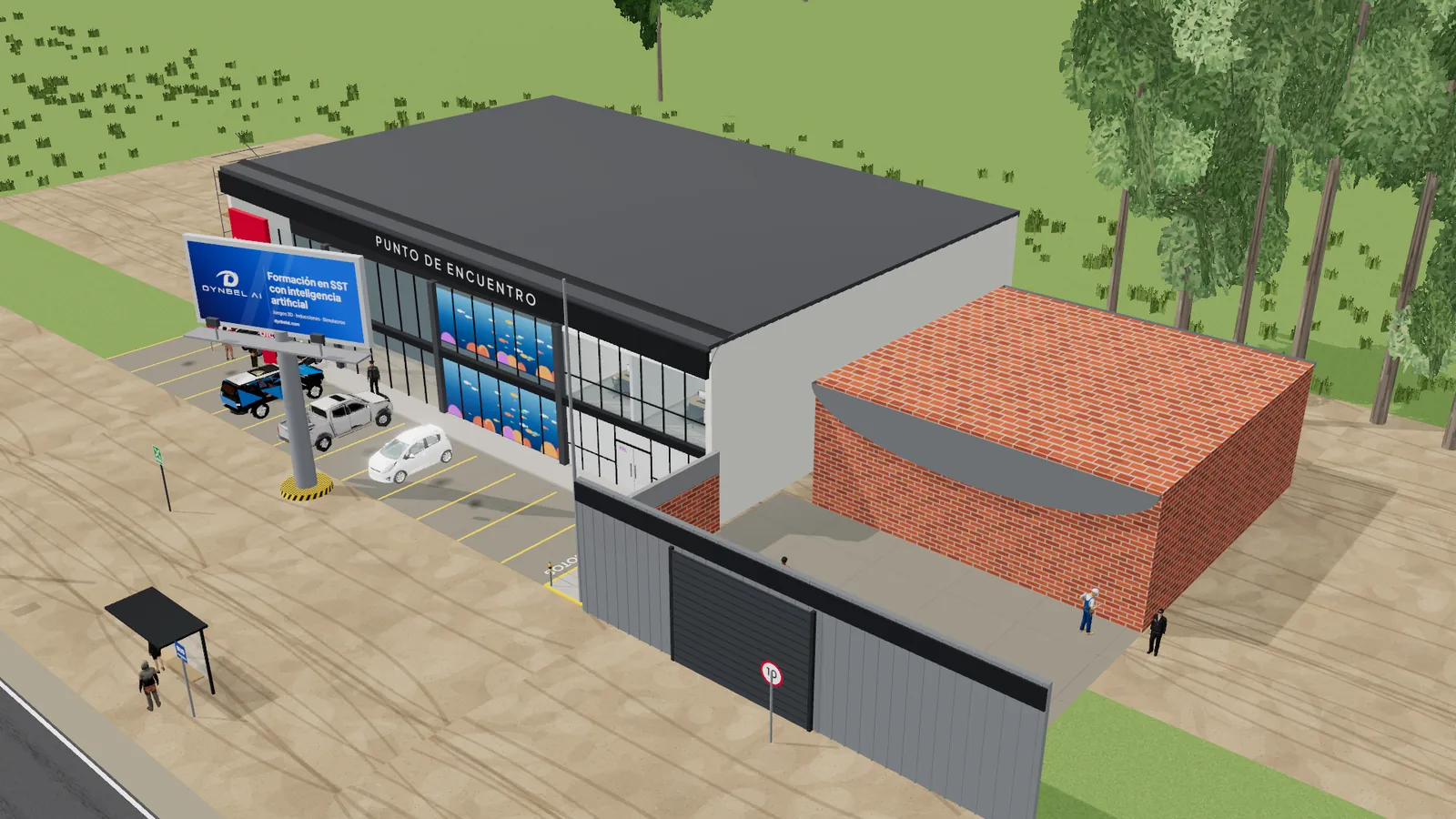
PRL Play

Learn by doing, in the real place, without the real risk.

PRL Play turns your company's site, plant or field into a playable 3D experience. Your people arrive, explore, decide and make mistakes in a safe environment. Your company gets evidence of what each person did, step by step.

0 playable experiences 0 devices, one build ≈0 MB to start on a phone 0 % of actions as evidence
What it is

It's not a video about your site.
It's your site, playable.

We build a 3D twin of the real place where your people work and, on top of it, training experiences that play right in the browser. Nothing to install.
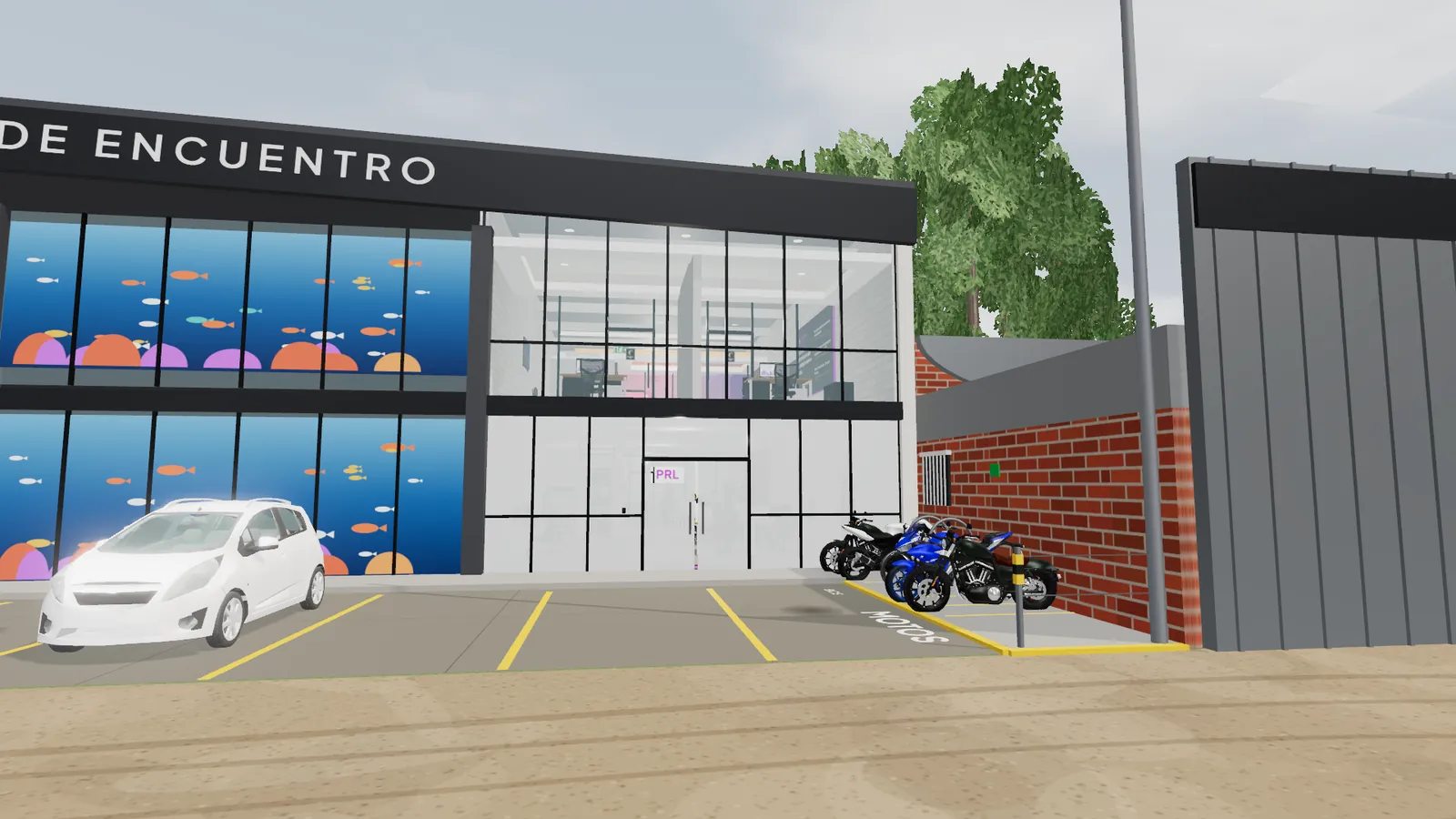
Nobody sits and watches: each person walks their own site, makes decisions and the game responds to what they do.

The formula

World × Scenario × Profile

Three pieces that combine. From a single world, you get as many experiences as your company has scenarios and profiles.

Piece 01

World

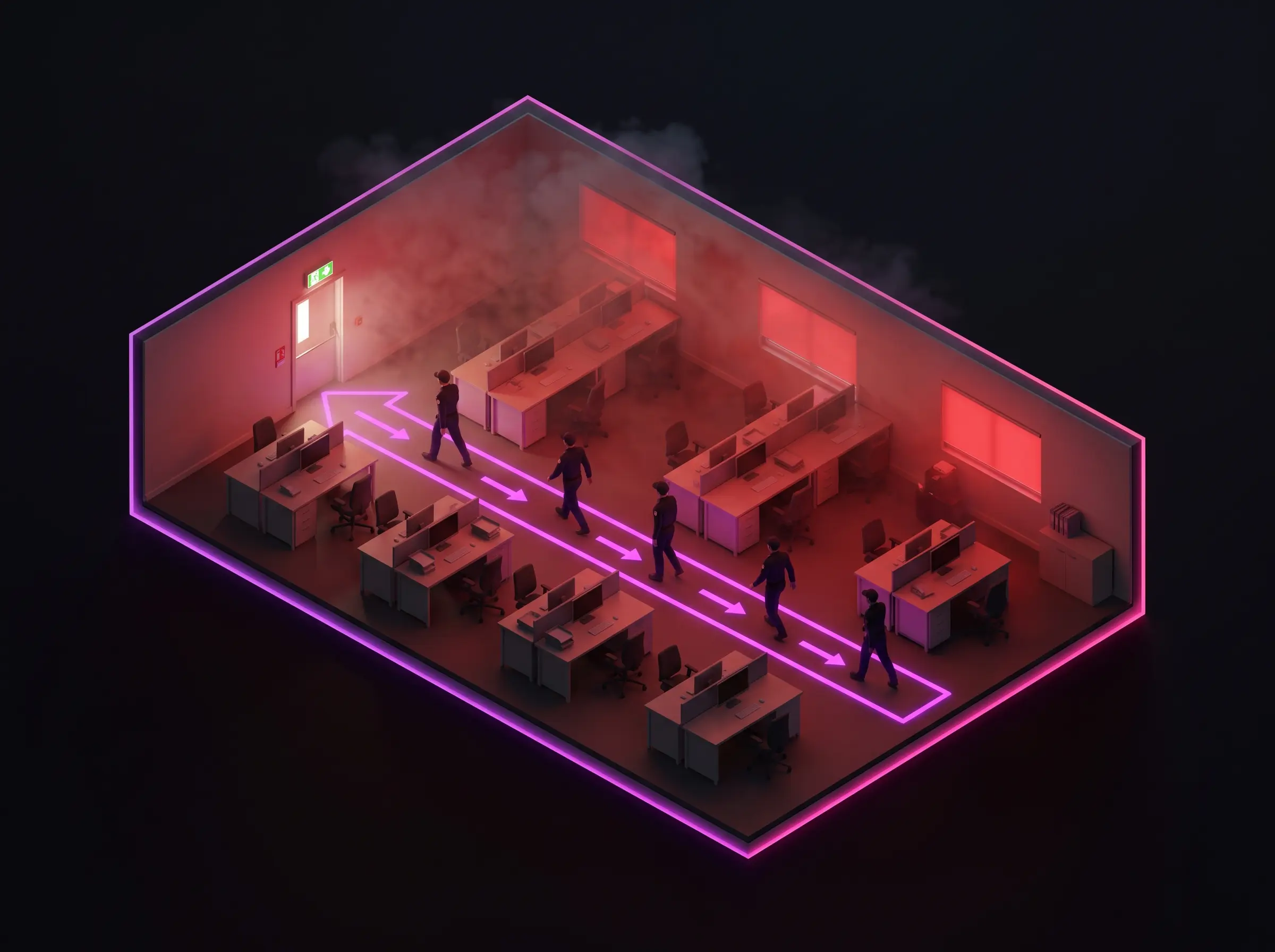
The place: your site, your plant, your field or your jobsite.
Piece 02

Scenario

What happens there: an induction, a work permit, a drill.
Piece 03

Profile

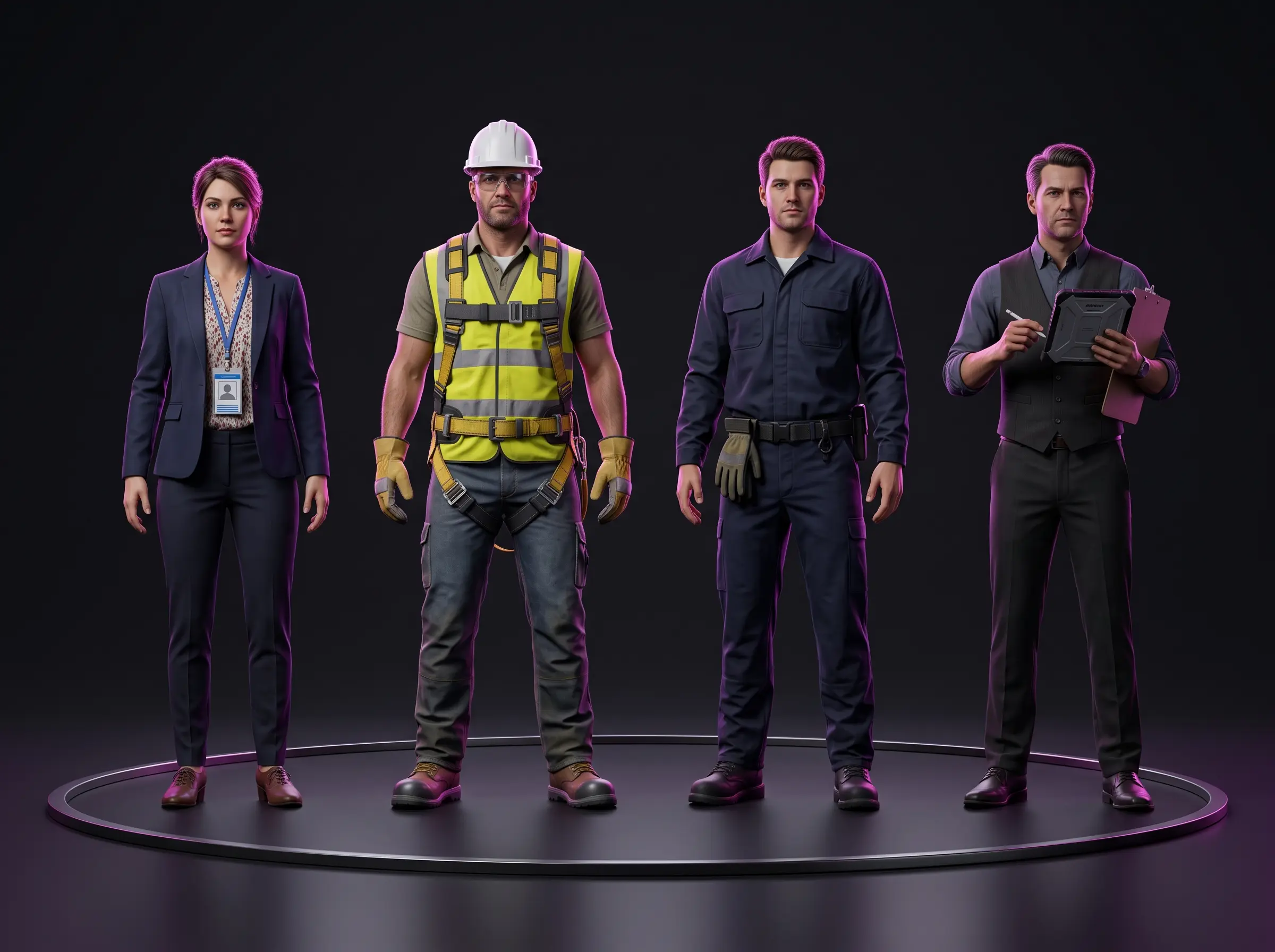
Who plays: visitor, contractor, worker, supervisor or permit issuer.
Principle

Active detection

Nothing is pointed out. People have to spot the risk, decide and live with the consequence: the fall stopped by the harness, access denied, or repeating the stage.

Principle

Everything cites the standard

Every risk cites the Colombian regulation that applies. Every question includes the shortcut field culture tempts people to take, and every option explains why.

Try it now

This is a real site.
Step in and play it.

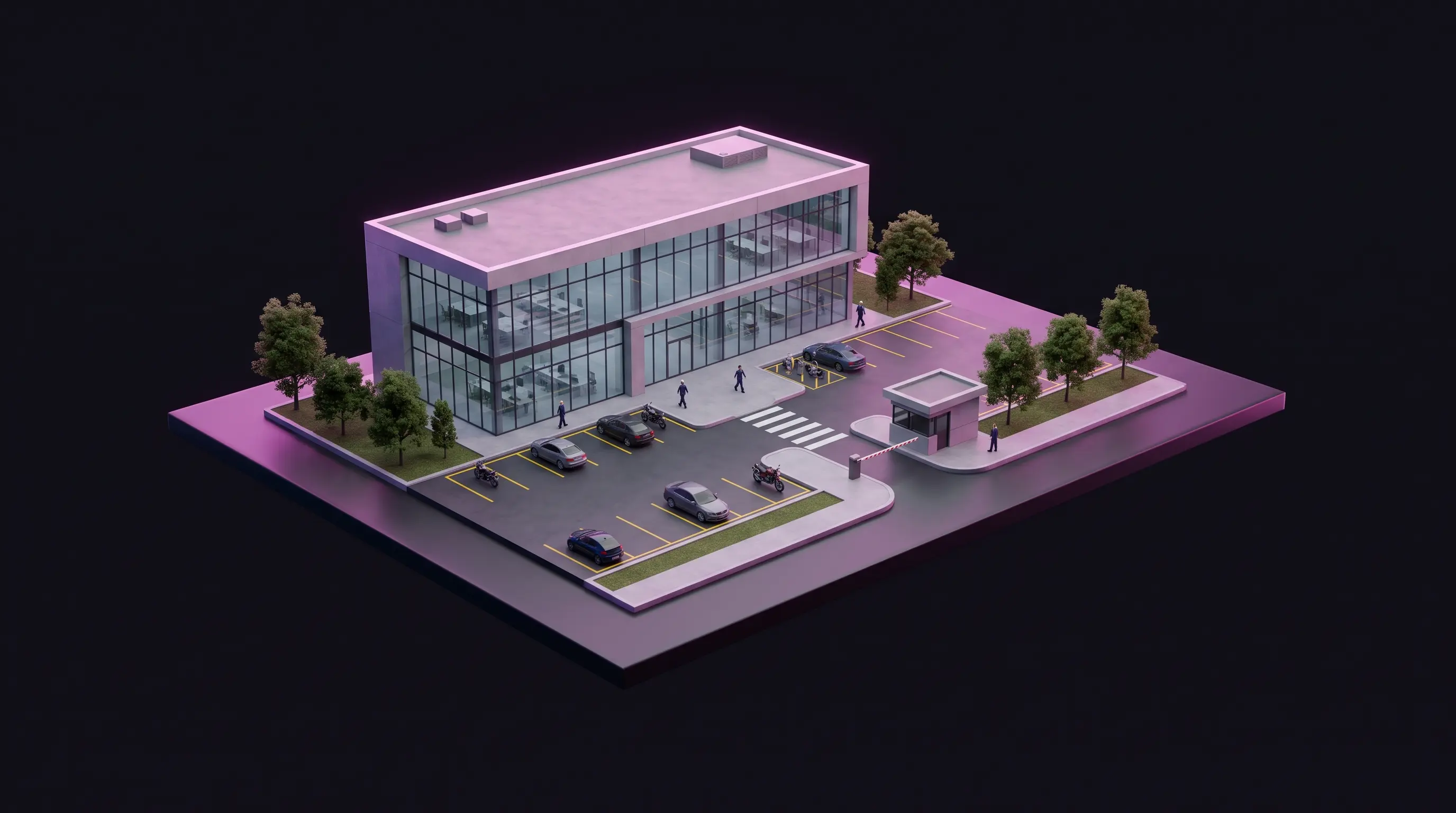
The PRL COL site in Tocancipá, exactly as it exists in the induction game. Rotate it, open up its floors and play the full experience right here.

PRL COL induction · Tocancipá site

Building the site…

Real site · PRL COL Tocancipá Play the induction 3D in your browser · 10–25 min · nothing to install

Drag to turn the site · tap a point to open that floor

What it solves

Eight problems
that now have a fix.

For each one, the piece of PRL Play that addresses it.

  1. 01

    Inductions nobody remembers

    Two hours of slides, forgotten in a week.

    People walk their real site. They remember because they did it.

  2. 02

    Training without evidence

    An attendance sheet and nothing else.

    Every action is recorded and sent to Dynbel AI or your LMS.

  3. 03

    Practicing risk is dangerous

    You can't rehearse a real fall or fire.

    Drills and work at height with consequences, safe and repeatable.

  4. 04

    Visitors without control

    They walk in with no induction, or a sheet nobody reads.

    No approved induction for their profile, no access card.

  5. 05

    Endless re-inductions

    The same talk, every week.

    Available anytime, on phone, computer or kiosk.

  6. 06

    Procedures people skip

    The step-by-step lives in a PDF.

    Played in order; a shortcut stops the job.

  7. 07

    Audits and legal requirements

    Every training has to be proven.

    Individual evidence for Colombian regulations and ISO 45001.

  8. 08

    Nobody reads manuals

    New generations and low literacy.

    People learn by watching and doing, with voice and signals.

Formats

One world,
many ways to use it.

Building the world is the major investment. Every additional format on that world costs far less.

F1 · Available

Guided 3D walkthrough

Induction or re-induction walking through the real site, with a guide, stations and in-context questions.

10–25 min · Phone, computer, kiosk

F2 · Available

Hazard hunt

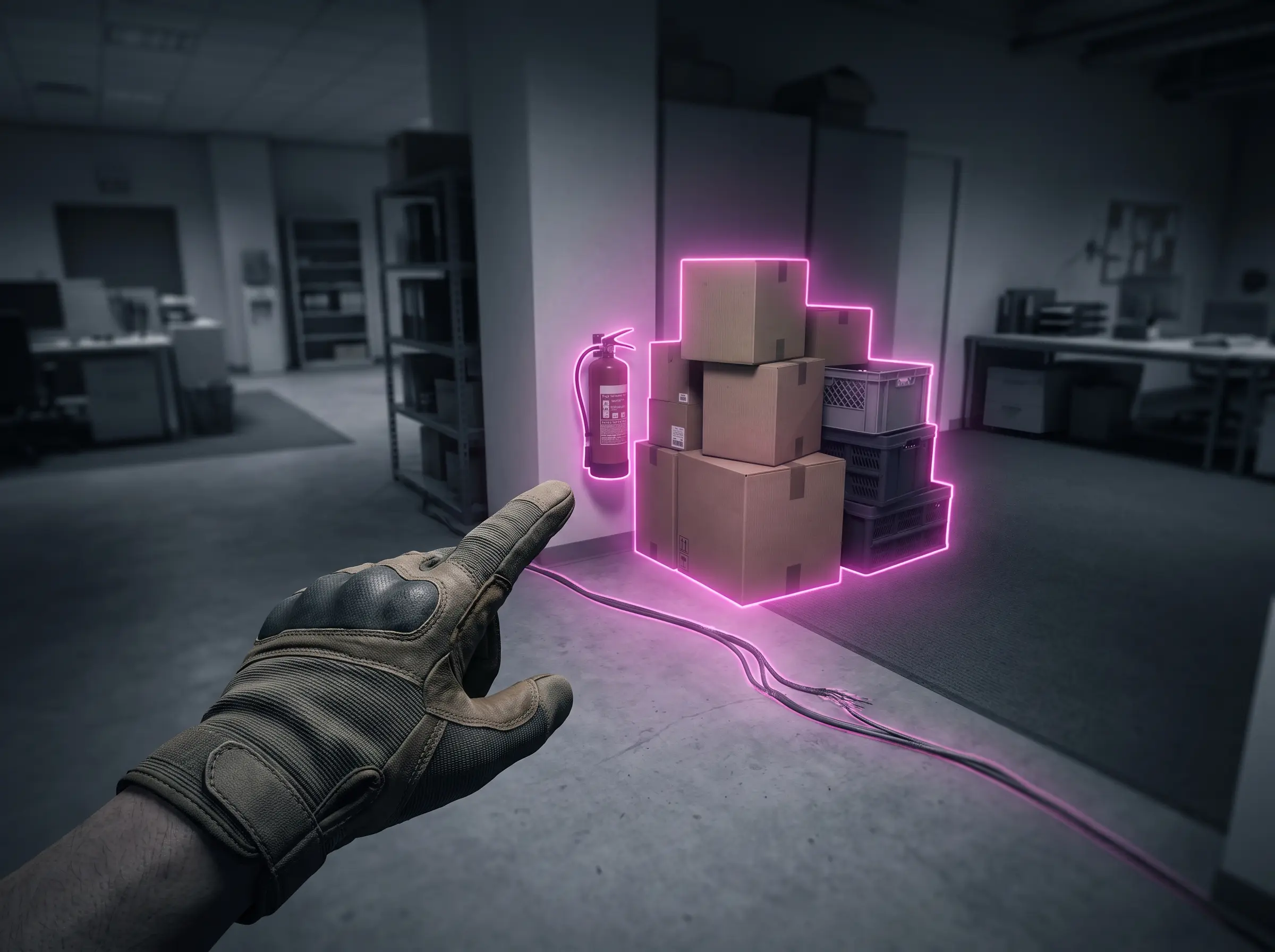
Find and report the unsafe conditions hidden around the site. They change every round.

5–10 min · Phone, computer

F3 · Available

Emergency drill

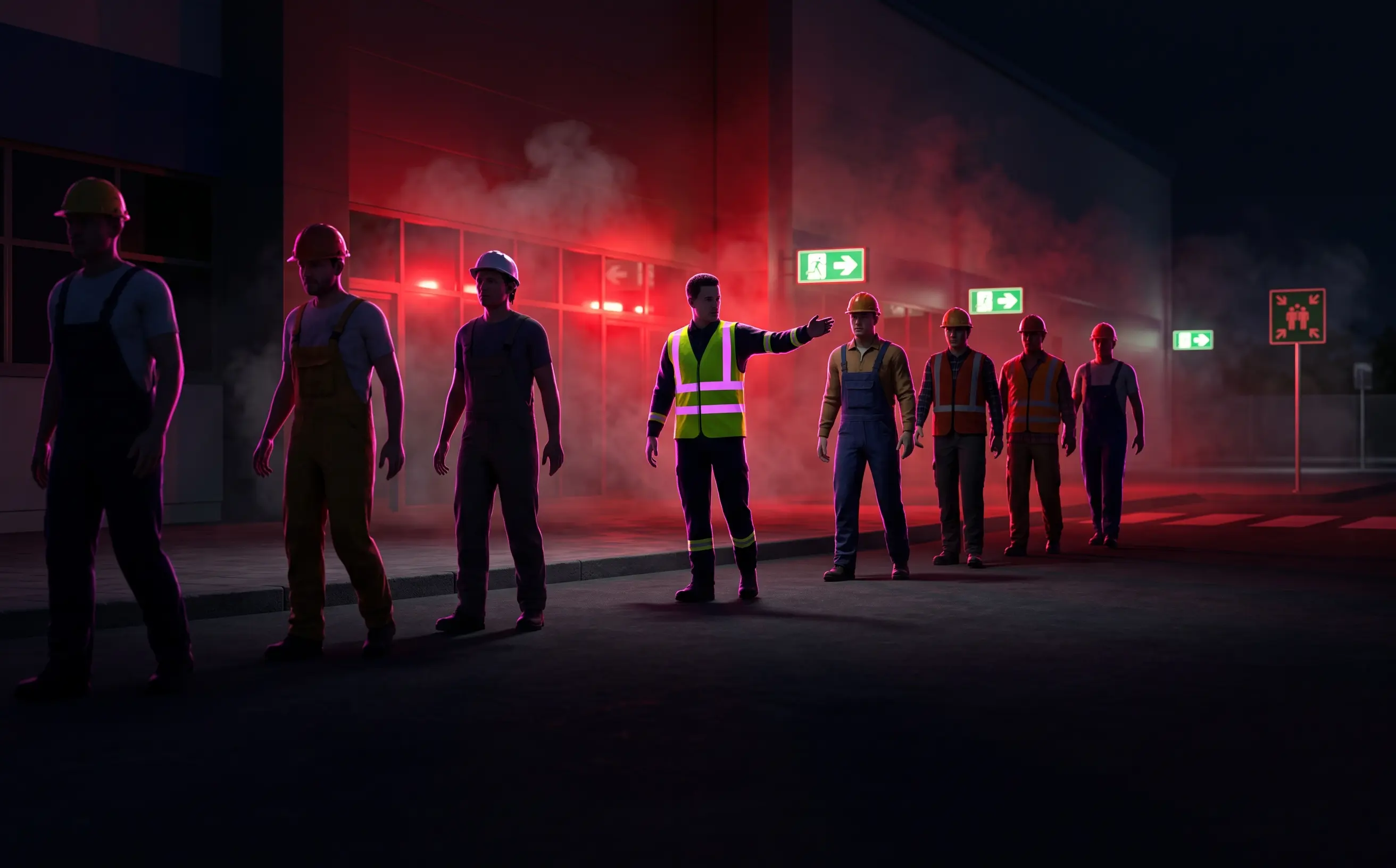
Fire, earthquake or surprise evacuation, with a timer, a route and an assembly point.

3–8 min · Phone, computer, kiosk

F4 · Available

Procedure simulator

The step-by-step of a critical task, in order, with consequences if a step is skipped.

10–20 min · Phone, tablet, computer

F5 · Available

Role play

The same task seen through each role: performer, supervisor and permit issuer, each with their own device and their own decisions.

15–25 min per role · Phone and tablet

F6 · Available

Safe entry

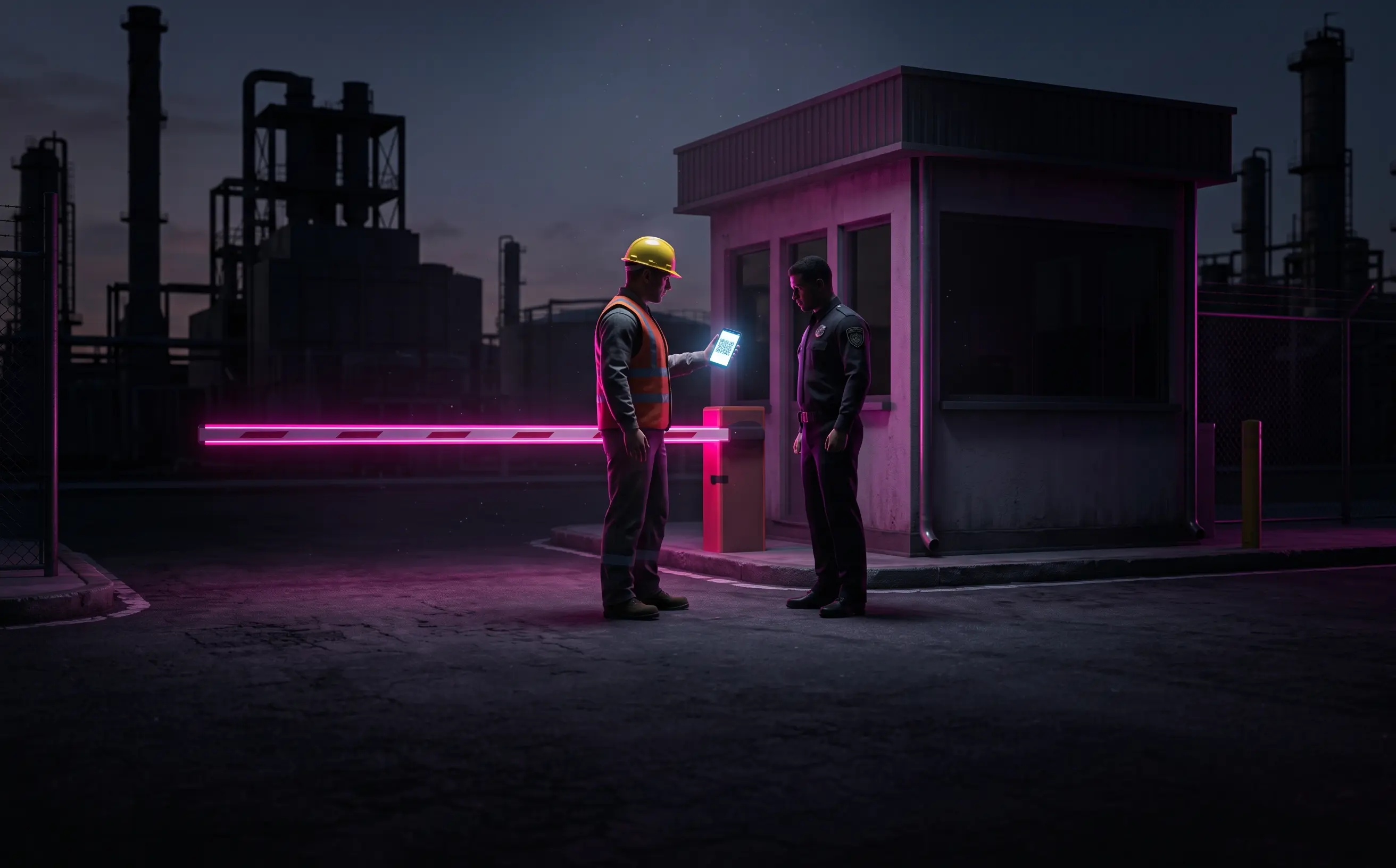
From request to gatehouse: requirements, validation, QR pass, breathalyzer and a short induction by profile.

5–12 min · Phone, gatehouse kiosk

F7 · Available

Gatehouse kiosk

A touchscreen at reception: visitors complete their induction while they wait.

3–6 min · Touchscreen

F8 · Made to order

Video from the world

A trailer, capsule or tutorial recorded with the game's cameras: the same place and the same characters, no film shoot.

30 s – 5 min · Social media, screens, email

F9 · Made to order

Microlearning

A single skill in two or three minutes: one risk, one decision, one piece of feedback. For weekly reinforcement.

2–3 min · Phone

F10 · Coming soon

Virtual reality and group sessions

VR headsets for in-person training and instructor-led rooms, with a leaderboard.

30–60 min · VR headset, training room

By department

An experience
for every department in your company.

Pick a department. Every experience is built on your company's world, in the format that serves it best.
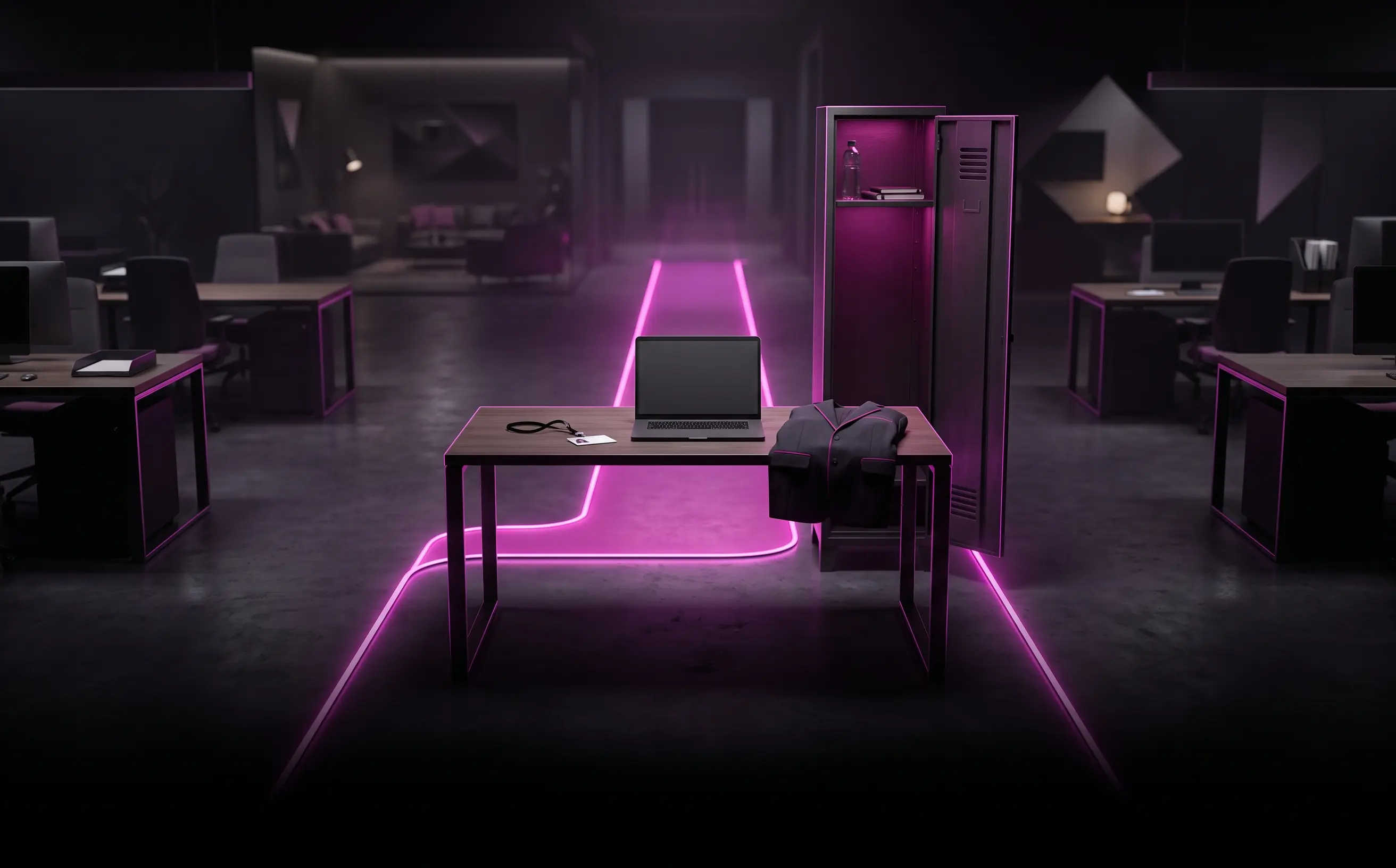
8 experiences

OSH

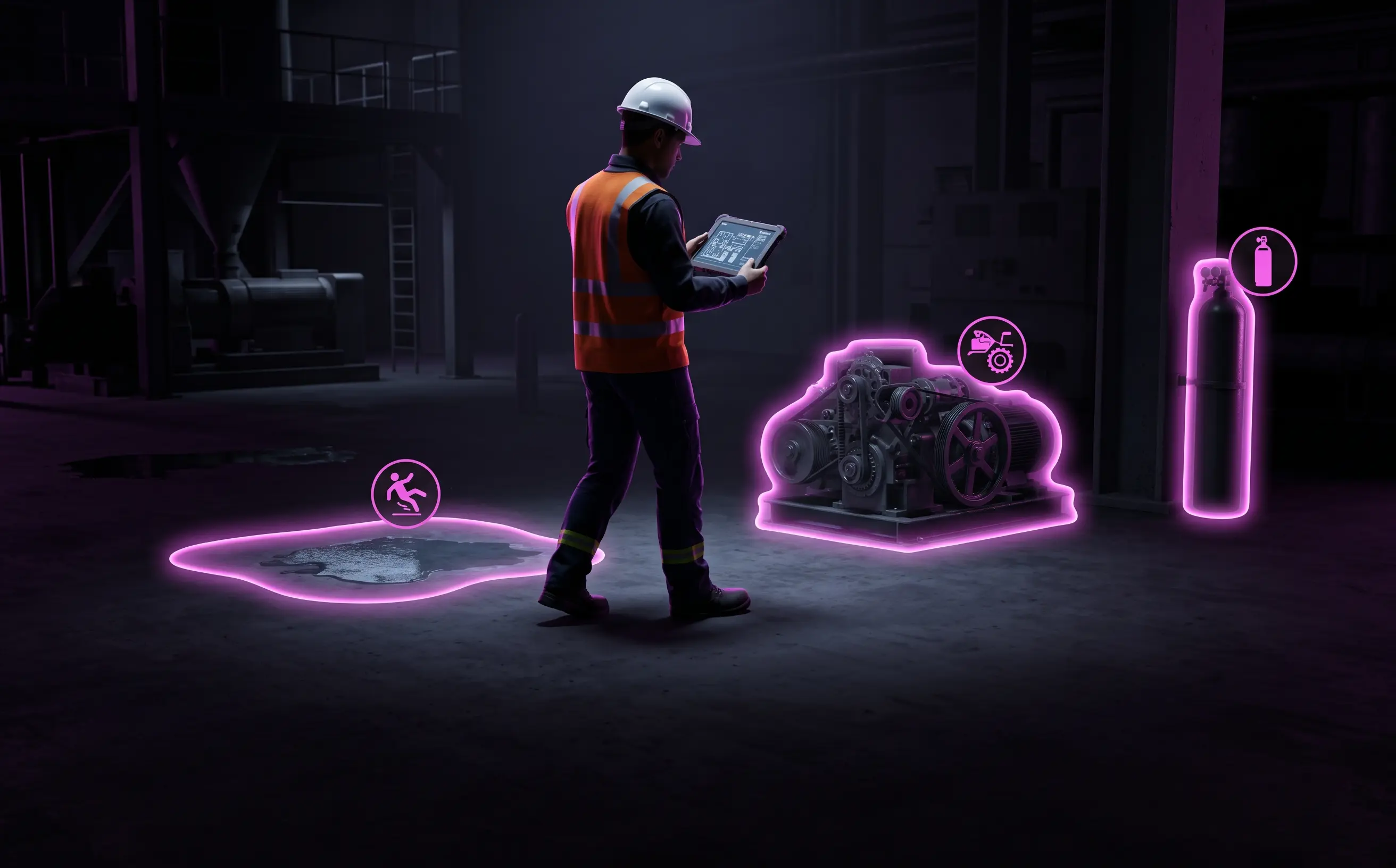
  • Hazard identification (GTC 45)
  • Work at heights
  • Confined spaces
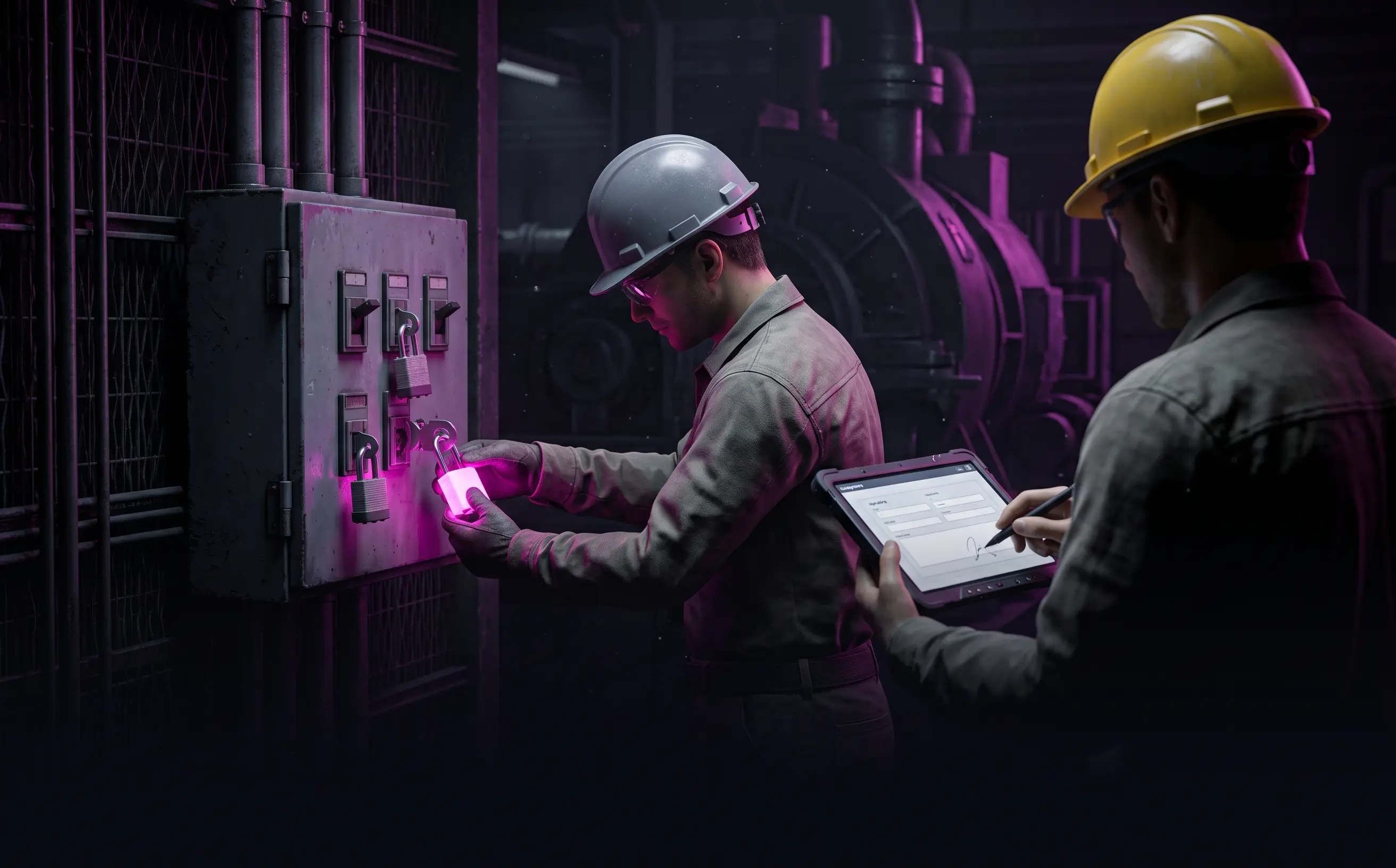
  • Electrical risk and LOTO
  • Chemical risk
  • Road safety
  • Ergonomics and office
  • Reporting unsafe acts and conditions
Real cases

Four experiences
already being played.

They work end to end and, before every delivery, each one is played through in full by every profile to verify everything responds as it should.
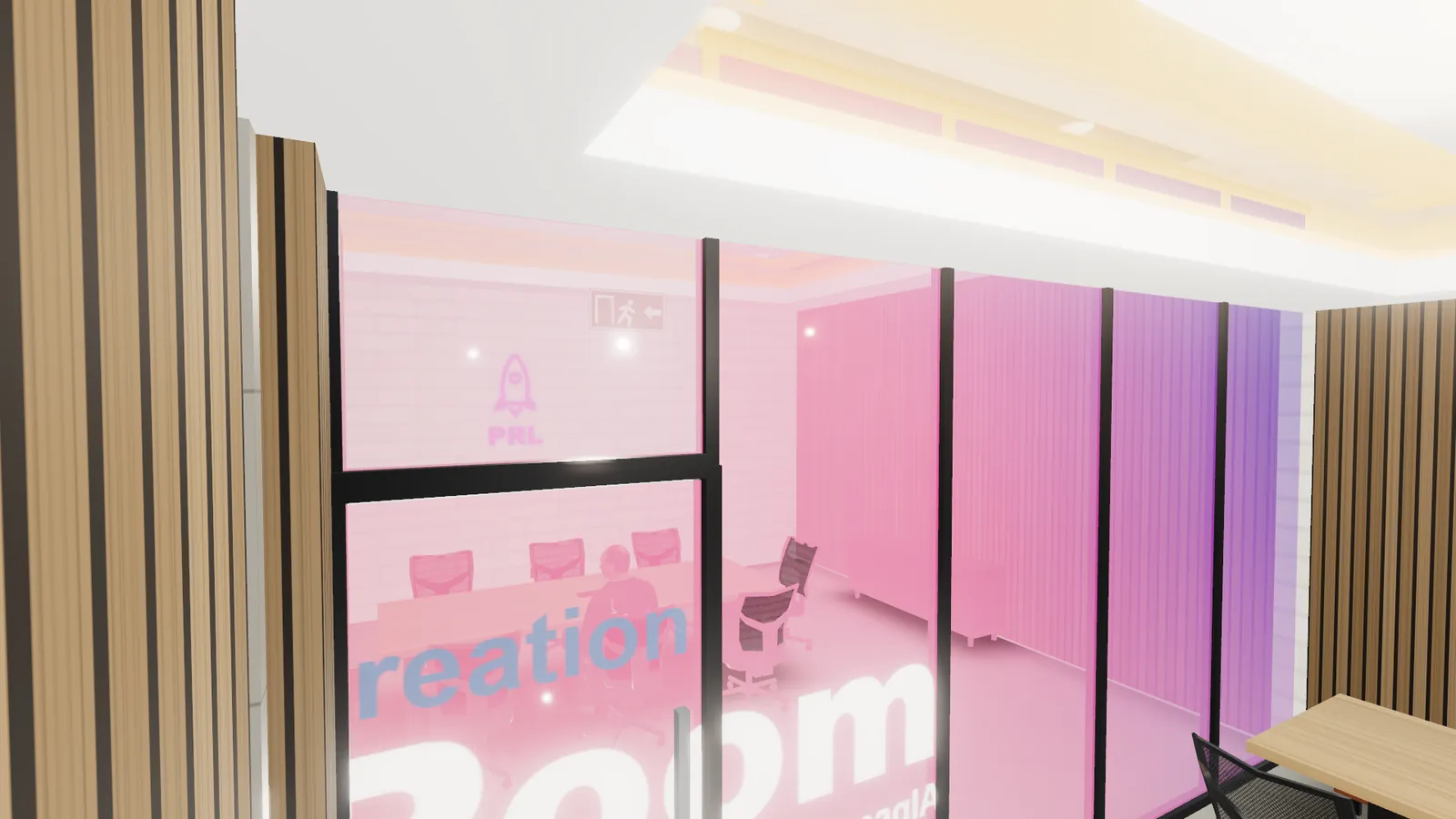
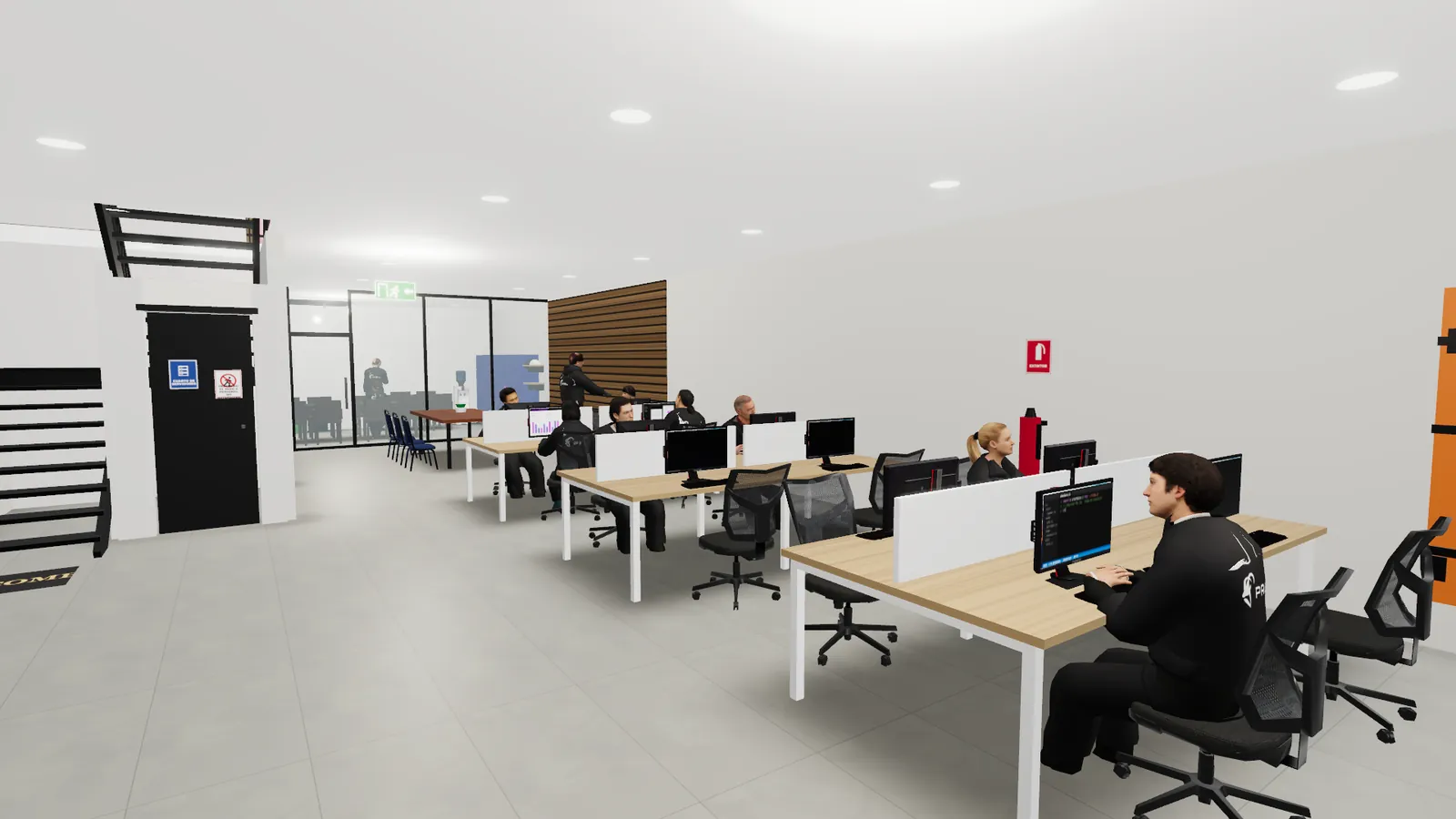
Induction · Res. 0312/2019

Worker induction · PRL COL site

The challenge
An induction that was the real site, with its people, connected to the platform.
What we built
A two-floor twin with arrival in six means of transport, check-in, gear, hazard hunt, drill and ID card.
What it proves
Guided tour, cultural onboarding, drills and integration with Dynbel AI.
Work at heights · Res. 4272/2021

Work-at-height permit

Three playable roles, 100% tie-off with consequences and offline play.
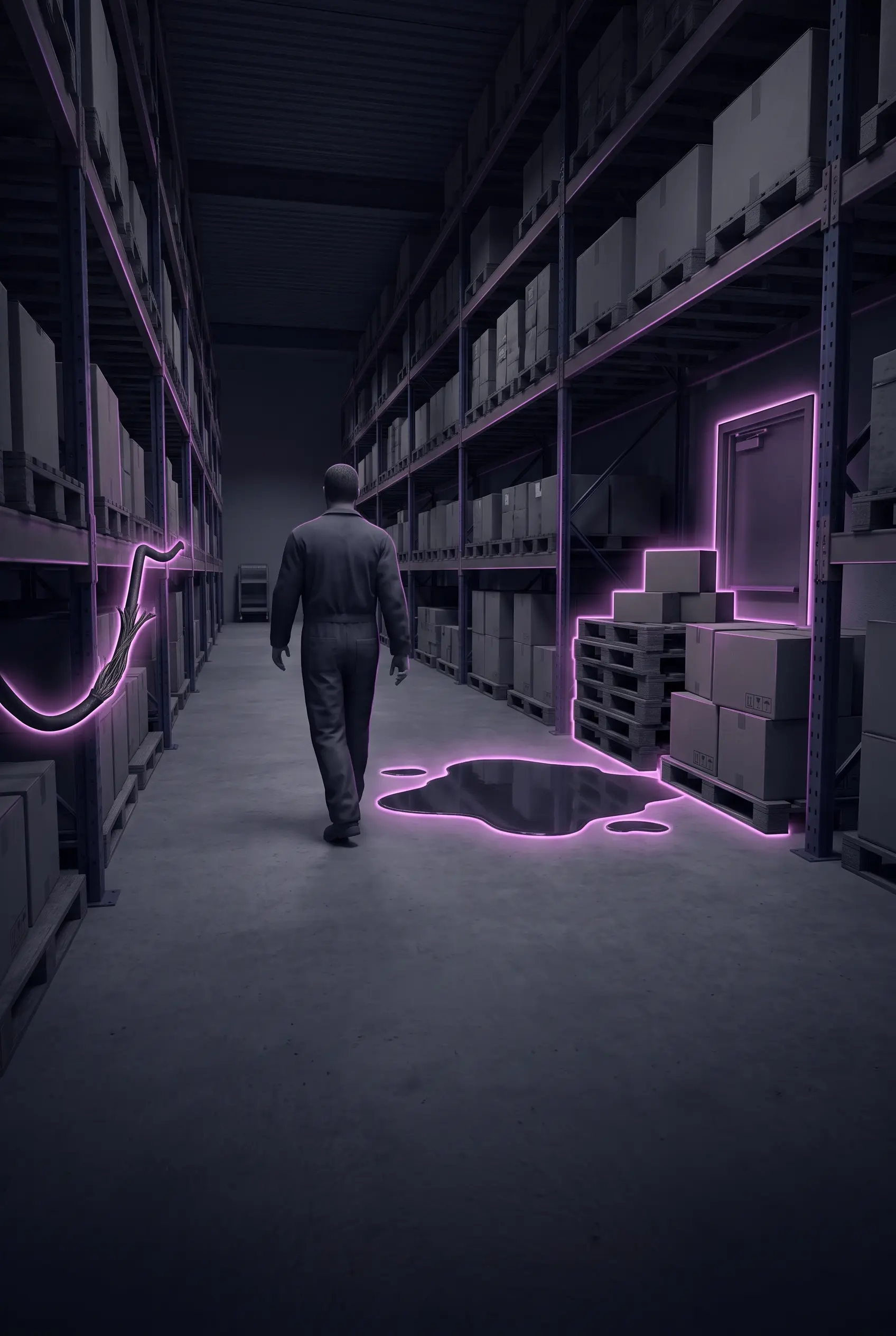
Hazard identification · GTC 45

Planta Segura

Twelve hazards to find, forklifts you operate and a surprise drill.

Access control

Ingreso Seguro

One world, three inductions: visitor, contractor and worker.

Evidence and measurement

Every decision
is on record.

Every relevant action is stored in xAPI, the standard training platforms understand. It's clear who did what, when, where and with what result.

{
Who "actor": { "name": "••••••", "rol": "ejecutor" },
What they did "verb": "answered",
At which step "object": "alturas/anclaje-100",
How it went "result": { "success": false, "atajo": true },
Where "context": { "sede": "Campo petrolero", "etapa": "4/17" }
}
Illustrative example; fields depend on each scenario.
For the person

Their ID card and why each mistake matters.

For the OSH team

The proof every audit asks for.

For management

Coverage, pass rate and common shortcuts.

How to get it

Three ways to
bring it to your company.

The same game, packaged to fit how you train your people today.

Play
On its own

As a standalone experience

The game is the course: by link, on the phone or at a gate kiosk.

Inside the platform

As a Dynbel AI module

Assigns inductions, recognizes each person and consolidates stats and certificates.

AcademIA
Alongside a course

As an add-on

Theory in the AcademIA course, practice in the game.

How it's made

From your site to the game,
in nine steps.

Your team takes part in three of them. We handle the rest.

01

Site survey With your team

Photos, video, floor plans or sketches of the site, the risk matrix, the procedures and the profiles who will play.

02

Script and instructional design

Objectives by profile, stages, decisions, tempting shortcuts, questions and the regulation behind each one.

03

World building

The site's 3D twin, the characters in their gear, the vehicles, the weather and the light. If a world for your industry already exists, we reuse it.

04

Scenario as data

The script is written as validated data: if something breaks the content rules, it doesn't get through.

05

OSH review With your team

Your company's OSH lead validates the content, questions and regulations before the pilot.

06

Automated testing

Every profile is played end to end, getting things right and wrong on purpose, on phone and on computer.

07

Pilot With your team

A real group plays on their own devices, and we fine-tune the text, difficulty and controls.

08

Rollout

It's published in Dynbel AI, as a link, on the gatehouse kiosk or packaged for your training platform.

09

Analytics and improvement

We review which stages people fail, which shortcuts they take and how long they spend, then adjust the content or create a refresher.

Industries

For every industry
with people and risk.

The world and the script change; the engine stays the same. Point to your sector.

Start with Role-based work permit

FAQ

Frequently asked questions

What people usually ask us before getting started.

Do you need to install anything to play?
No. It runs in the browser on a phone, tablet or computer. It can also be installed as an app on the phone and, once opened, it works offline and sends the evidence when the signal returns.
What do you need from my company to build the world?
Photos, video, floor plans or sketches of the site, your risk matrix, the procedures you want to train and the profiles who will play. With that, we put together the script and the 3D twin.
Can I use it with the training platform I already have?
Yes. Beyond Dynbel AI, the experience is delivered as a link, on a kiosk or packaged for your LMS; evidence comes out in xAPI and, if your platform needs it, in cmi5 or SCORM as well.
Who validates that the content is right?
The script is written by a PRL OSH specialist and, before the pilot, reviewed and approved by your company's OSH lead. Every risk and every question cites the regulation that applies.
Can one world serve several experiences?
Yes, that's the whole idea. Building the world is the major investment; on top of it, we produce the induction, drills, challenges or procedures for each profile at a much lower cost.
Does it work on low-end phones?
Yes. The game detects the device and adjusts the quality on its own, downloading only the minimum to get started: about 5 MB on a phone.

Your site could be the next one people play

Tell us where your people work and what they need to learn. We'll show you what it would look like as a PRL Play experience.